Getting Started
Getting Started
Welcome to FotoCube! Follow the steps below to get your Smart Display up and running.
Plug in the power adapter to turn on the Smart Display;
Follow the guide on the screen to start setting up the Smart Display step by step;
Complete the setup and start interacting with your friends and family.

FotoCube Smart Display
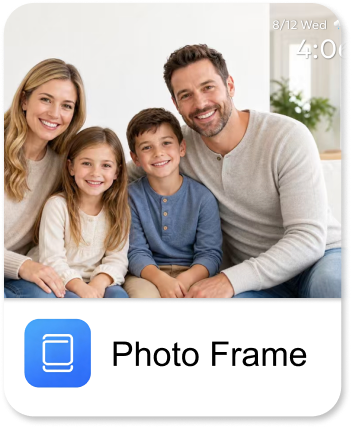
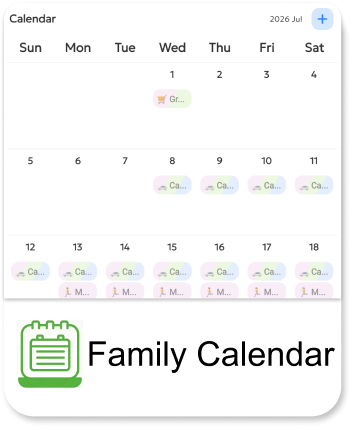
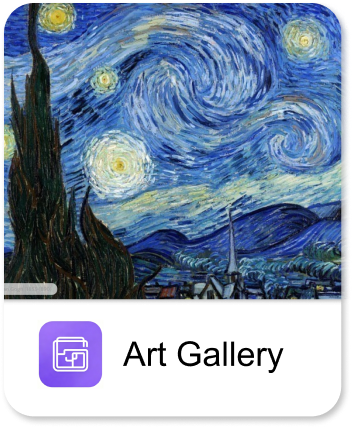
The FotoCube Smart Display provides three modes: Photo Frame, Family Calendar, and Art Gallery. Choose the mode you like.
The touchscreen operation is easy to use, making photo sharing and family schedule management smoother and more convenient, providing you with a high-quality, simple, and enjoyable experience.

FotoCube APP
The FotoCube app offers a wide range of features on Android and iOS systems, allowing for easy sharing of connected devices anytime and anywhere. No matter where you are in the world, you can send photos, videos, or manage the family schedule online in real time, anytime.
Method 1: Scan the QR code to download the APP
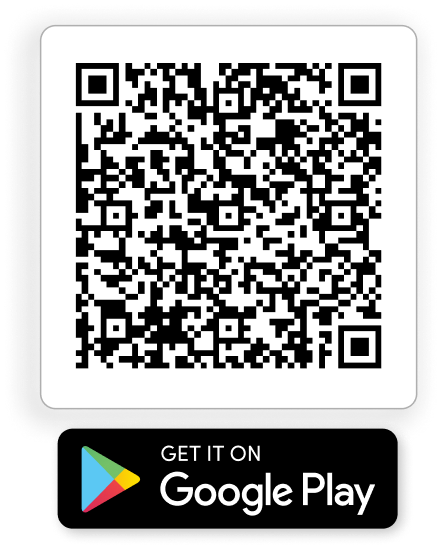
Method 2: Search for and download the FotoCube APP in the app store
- Android: Search for "FotoCube" on Google Play and then download the APP.
- iOS: Search for "FotoCube" on the App Store and then download the APP.

Tip: Keep your Smart Display connected to the internet for the best experience.